Tuesday, February 1, 2011

Changing an old photograph in Photoshop

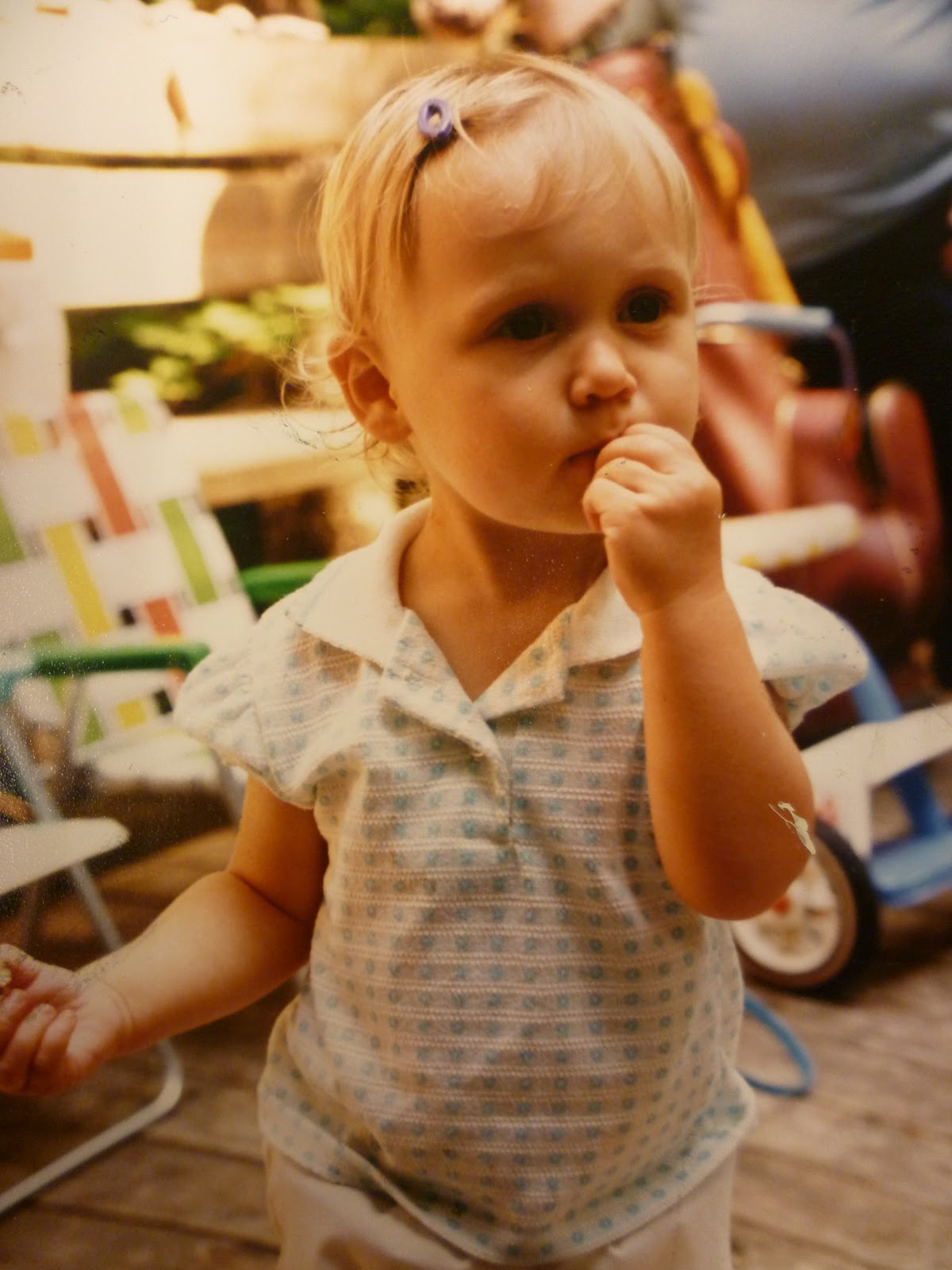
We will be using our photographs to create large, graphic, high contrast paintings. First, the photographs should be changed in photoshop. The goal is make them look like a stencil with bold colors and shapes. Here is an example of mine below.


There are a number ways to achieve this look and some of you may know a better way, but here is what I did. I encourage you to share ideas and techniques with one another.
  • Open up your photograph in Photoshop. Duplicate the first layer.
  • Then I increased the brightness and contrast a LITTLE! (Image-Adjustments-Brightness/Contrast). You may not have to do this, it depends on your image.
  • Then I played with the color a little bit and made it more yellow-orangish. You may change the color however you like; it does not have to look like mine! (Image-Adjustments-Color Balance).
  • You can also change the color by adding a colored photo filter. (Image-Adjustments-Photo Filter) Then click on the colored box and choose a color to make the photo have an overall layer of this color- it's subtle but a nice way to experiement with color.
  • To achieve the stencil/cut-out look, you will use a filter and I think there are a few that will have this effect (solid sections of color, high contrast). The one I used is Cutout. (Fliter-Artistic-Cutout). At this point, a new screen will appear with small examples of the filters on the right side and Cutout will be highlighted. Your photograph will be on the left. If you cannot see the whole thing, click on the small arrow on the bottom left hand corner and highlight "Fit on screen".
  • At this point, your photo should look semi-similar to mine. You can always go back and mess with the Adjustments if you need to.
  • Print one in color and one in black and white. (Image-Adjustments-Desaturate).

Writing About the Past

Write about an old photograph with you in it. Writing will be easiler if the photograph is a snapshot. Don't worry about grammar or sentence structure. It should be in your voice so it's okay if the writing is informal. Here are some questions to consider when writing: Who are the people in the photograph and what are their ages? What type of clothing are they wearing? Describe their posture or body lagnuage. Describe the facial expression of you and the other people. Are the people looking at the camera? or somewhere else? Are the people interacting with one another? Describe the location and environment. Did an event just take place or is it about to? Are there details in the background? Is there a mood or feeling of the photograph?

OR

Write about a memory, event or any story you remember from your past or childhood. This may be hand written or typed.

Friday, January 21, 2011

Getting Started

  • Open a new Photoshop document and choose the size you want but make sure the resolution is set to 300. This will allow me to print your work larger.
  • Copy and paste your photographs into your new document
  • Convert your photographs to grayscale mode (image> mode> check grayscale) 
  • Change the brightness and contrast to create extreme lights and darks in your photographs. 
  • Don't forget to crop your photographs; you don't need to include everything in the frame.  
  • Combine text with your image(s). Use all caps and easy-to-read, sans serif (without feet) typeface: Arial, Helvetica, Impact, etc.
  • Remember to use a simple, bold style; you want the viewer to easily read your text and see your image.

Project Examples from Austin High School


Wednesday, January 19, 2011

The Power of Advertising- Project Requirements

  • Choose a social or politcal issue you would like to explore. It can be an issue related to Jones, teenagers, human rights, Chicago, etc.
  • Create an interaction bewteen text and image. The image must be taken in school by you. It can be of a person or an object and I encourage you to take several photographs so you have more options for your project.
  • Develop your own phrase that brings awareness or pushes the viewer to think about the issue in a new way.
  • Design your project in Photoshop- the image must be in black and white (think Kruger) but the text can be in color. Use the style and look of advertisements as a template for your project.
  • Create 2 versions of the project relating to the same topic- the first one will be your final exam grade.

The Power of Advertising


Wednesday, January 5, 2011

Revisiting the Main Ideas of the Project

Think about the main idea of your project. What is the message or idea you would like the viewer to consider?

How can you visually create this main idea so the viewer understands?
  • ephasize important areas or details
  • create a focal point
  • create a flow or movement for the viewer to follow
  • play with brightness and contrast or saturation
  • explore different color choices
Remember this is a landscape. Create a sense of space and depth by:
  • overlapping
  • small things far away, larger things up close
Develop a visual paradox, or contradiction with the images you choose. Play with opposites
  • extisting/ non-existing
  • traditional/ unorthodox
  • beauty/ ugliness
  • man-made/ natural
  • positive/ negative
  • urban/ rural
  • near/ far